
Welcome to the School Admin App
The YeboLearn School Admin App is your comprehensive school management platform, enabling you to manage students, staff, classes, fees, and monitor school-wide performance.
Setting up for report cards
Term setup, the grading scale, and the school logo all flow into your school's printed report cards. For the full end-to-end pipeline, see the Report Cards guide.
Overview
The School Admin App provides tools to:
- Manage students - Add, edit, and organize student records
- Manage staff - Handle teacher and staff accounts
- Organize classes - Create classes, assign subjects and teachers
- Track attendance - Take and correct daily attendance
- Handle fees - Create, assign and track school fees
- Print report cards - Track grade-entry progress and download PDFs
- View analytics - Access school performance insights
- Configure settings - Customize school-wide settings
Getting Started
Accessing the App
- Open your web browser
- Navigate to your school's YeboLearn admin portal
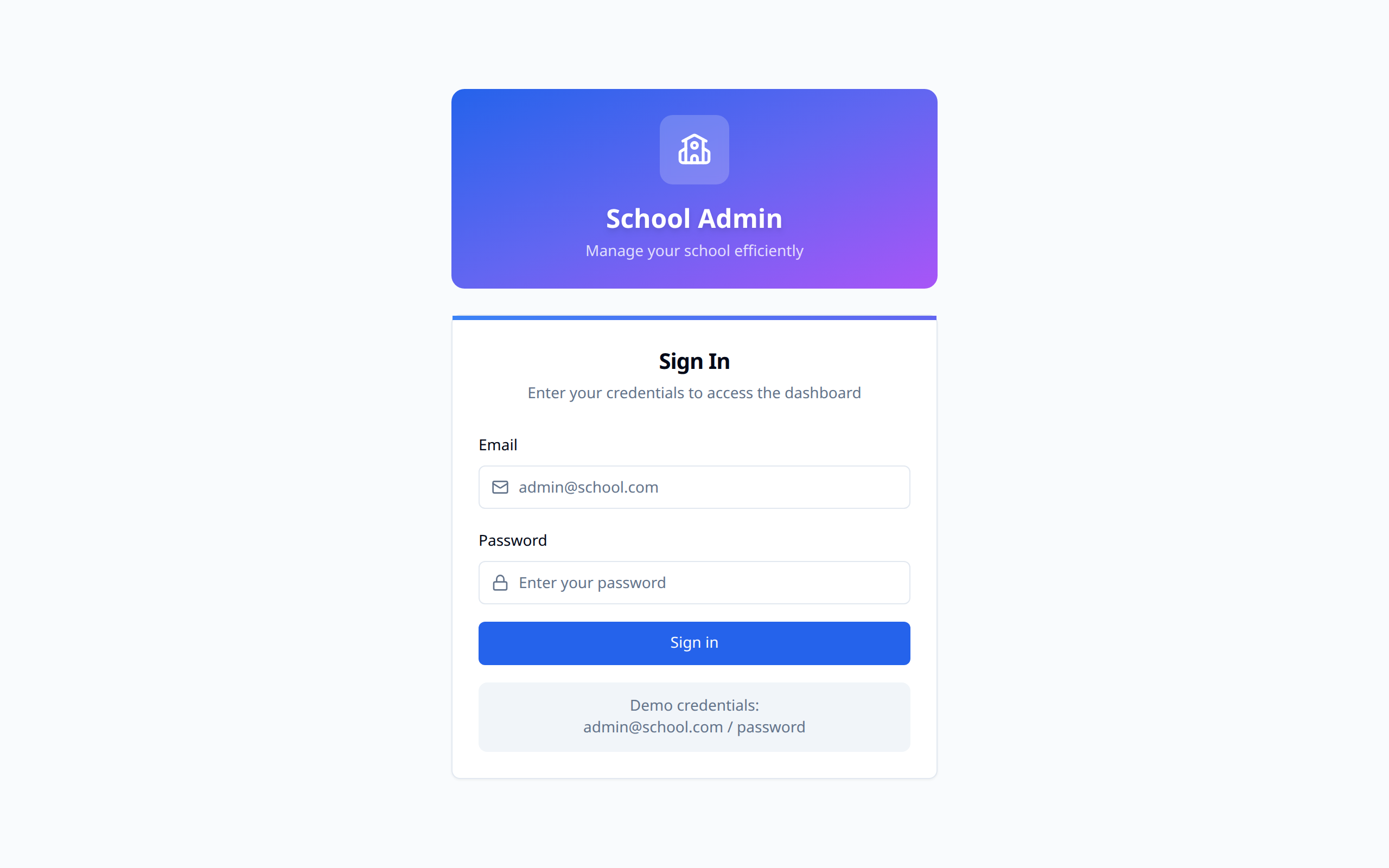
- Enter your email and password, then click Sign in
First-Time Setup
If your school is brand new to YeboLearn:
- On the login page, click Create a school
- Fill in the school name, country, your name, work email and a password
- Check your inbox and click the verification link
- Work through the Setup wizard, which covers: school profile, academic year and terms (including an editable grading scale — add or remove grade bands, each with its own minimum percentage), curriculum and subjects, classes, class subjects, staff, students, then review and finish
If a colleague invited you instead, you'll get a link by email. Opening it lets you set your own name, phone and password, and takes you into the setup wizard.
Navigation
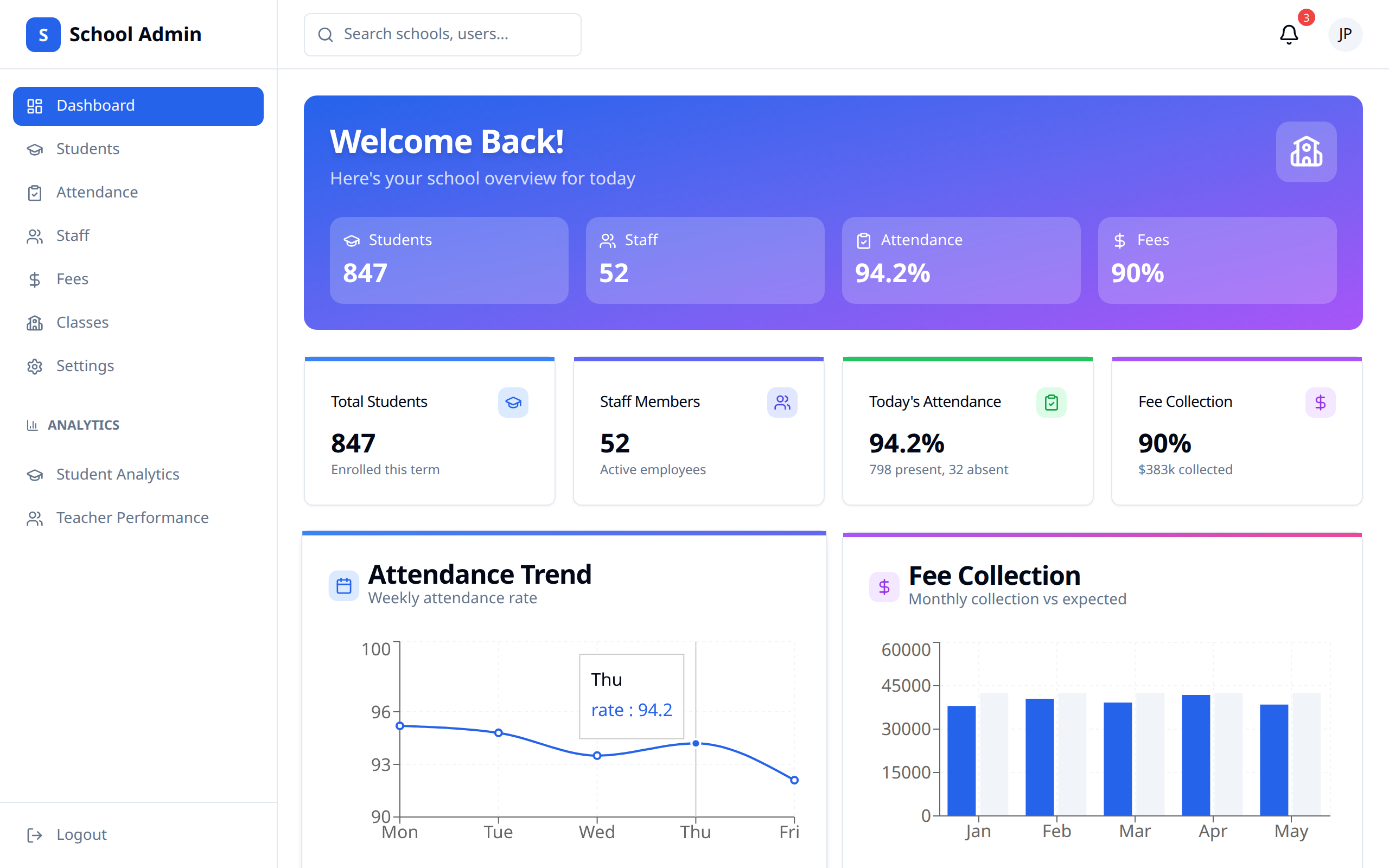
The sidebar lists every screen in the app:
| Menu Item | Description |
|---|---|
| Dashboard | School overview and key metrics |
| Students | Manage student records |
| Attendance | Take and correct daily attendance |
| Staff | Manage teacher and staff accounts |
| Fees | Create, assign and track fees |
| Classes | Create classes and assign subjects and teachers |
| Timetable | Build each class's weekly schedule |
| Subjects | Manage the subjects taught at your school |
| Gradebook | Enter and manage grades |
| Report Cards | Track grade-entry progress and download report cards |
| Settings | School configuration |
Below those, an Analytics section holds:
| Menu Item | Description |
|---|---|
| Student Analytics | School-wide student performance |
| Teacher Performance | Teacher workload and class averages |
| Reports | Downloadable attendance, grades, fees and roster reports |
Logout sits at the bottom of the sidebar.
Key Responsibilities
Student Management
- Add new students one at a time or import a roster
- Edit student information
- Assign students to classes
- Link a parent or guardian so they get an invite
Staff Management
- Add teachers and other staff
- Assign each person a role
- Assign teachers to classes and subjects
Academic Management
- Create and organize classes
- Configure subjects
- Set the grading scale and pass mark
Financial Management
- Create fees and assign them to a student or a whole class
- Track outstanding and overdue amounts
- Download fee reports
Quick Start Checklist
Initial Setup
- ☐ Configure school profile and settings
- ☐ Set the academic year and terms
- ☐ Add subjects
- ☐ Create classes
- ☐ Add staff members and assign roles
- ☐ Assign a teacher to each class subject
- ☐ Add students and assign to classes
- ☐ Create fees
Working Offline
The School Admin App keeps working when your connection drops. New students and staff, edits to student records, and report card remarks are queued on the device and sent as soon as you're back online. Editing an existing staff member's details needs a live connection, since those changes save immediately rather than queuing. The sync indicator in the top bar shows anything still waiting, and tells you when you need to sign in again.
System Requirements
For the best experience:
- Modern web browser (Chrome, Firefox, Safari, Edge)
- Stable internet connection
- Updated browser version
Need Help?
If you encounter issues:
- Check the relevant documentation section
- Contact YeboLearn support